 Statement Match
Guide
Vendor statement reconciliation: a monthly process for AP teams
How to reconcile vendor statements each month - which vendors to ask, how to tick each line against your AP, and the four exceptions worth chasing.
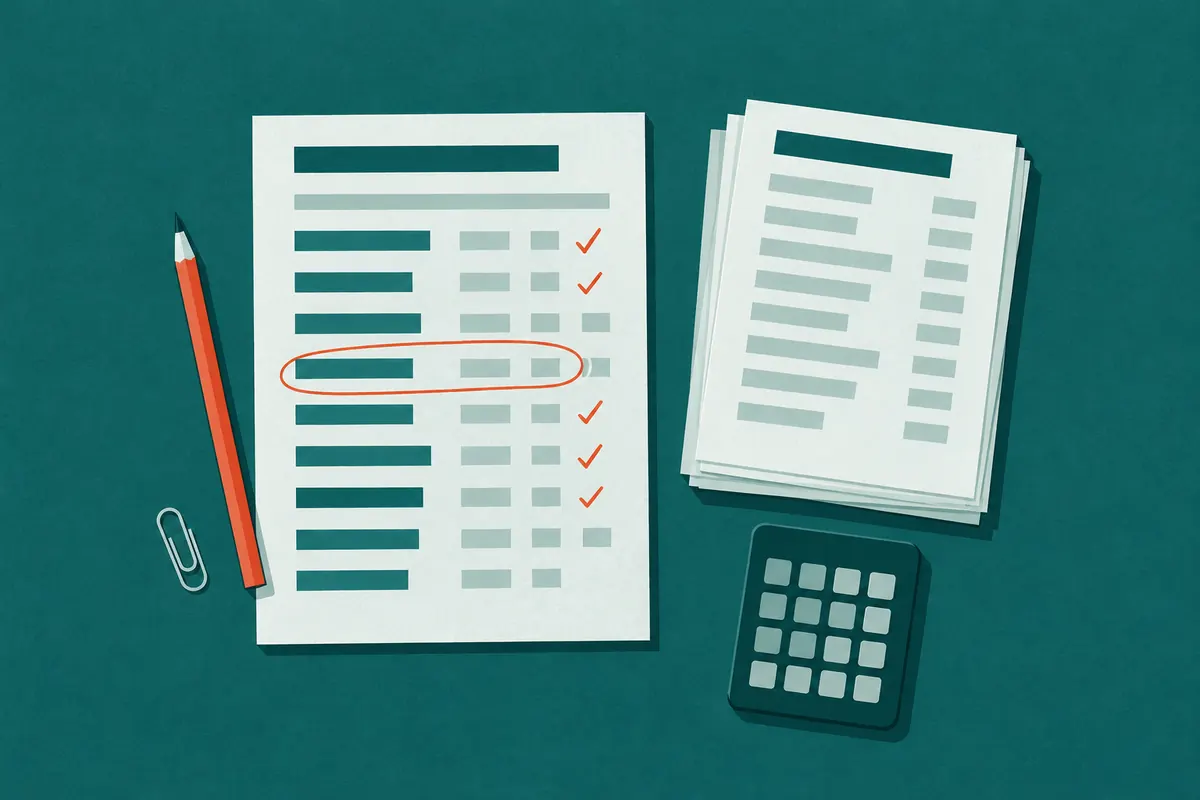
A vendor statement is the vendor's version of your account: every invoice they think is open, every credit they issued, and every payment they have applied. Your AP aging is your version. Vendor statement reconciliation is the monthly job of putting the two side by side and explaining every difference.
Most of the differences are timing and mean nothing. A few are money: an invoice that never reached AP and is about to go past due, a credit memo the vendor issued that nobody applied, a payment you made that the vendor has not posted. This guide sets out a process an AP team at a distributor or manufacturer can run every month, the order to do it in, and what to do with each kind of difference.
Why reconcile statements at all
Three-way matching (purchase order, receipt, invoice) checks the invoices you have. It cannot tell you about the invoices you do not have. The vendor's statement can, because it is built from their receivables ledger, not from your inbox.
Statement reconciliation catches:
- Invoices missing from AP. Lost in a shared inbox, mailed to an old address, or attached to a delivery ticket that went to the warehouse. These turn into late fees, credit holds and a vendor rep calling the controller.
- Credits you never took. Returns, rebates, price adjustments and short-shipment credits. The vendor has issued them; if AP never applies them, the money stays with the vendor.
- Payments the vendor has not posted. You paid, the check cleared or the ACH went out, and the vendor still shows the invoice open. Left alone, it becomes a dunning letter or a duplicate payment.
- Amount differences. The same invoice number at a different amount: a price change, freight added, a partial credit.
Step 1: Decide which vendors to reconcile
You do not need a statement from every vendor every month. Split the vendor list in two:
- Key vendors: trade vendors you buy from every month, vendors with credits and rebates, and anyone with a large open balance. Ask these for a statement every month.
- Everyone else: one-off suppliers, utilities and vendors paid by card. Reconcile them if a statement arrives, or once a year before the audit.
Write the split down. A list that lives in one clerk's head disappears when that clerk is on vacation at month end.
Step 2: Get the statements in
Many vendors email a statement on their own schedule; others only send one when asked. Pick a fixed day early in the month, ask every key vendor that has not sent one, and follow up twice for the ones that stay silent. Our statement of account request letter guide has the email wording and the follow-up schedule.
Ask for a statement of open items as of the last day of the month, not an activity statement for the month. An open-item statement lists everything still unpaid, however old, which is what you need to compare against an aging.
Step 3: Export your side
From your ERP, export two files as of the same date as the statements:
- Open AP items by vendor: vendor ID, invoice or credit number, date, amount and type.
- Payments for roughly the last 90 days: vendor ID, check or reference number, date, amount, and which invoices each payment covered if your system records it.
The payments file matters. Without it, every invoice you paid last week that the vendor still shows as open looks like a difference.
Step 4: Match line by line
For each statement, go down the vendor's lines and find each one on your side:
- Same document number, same amount. Matched. Compare numbers after stripping prefixes, leading zeros and punctuation, so INV-0048811 on the statement is 48811 in your system.
- Same document number, different amount. An amount mismatch. Note the difference.
- Not in open items, but in your payments. Paid; the vendor has not caught up yet. Check the payment date.
- Not in open items and not paid. Missing in AP.
- A credit on the statement with no matching credit in AP. Credit not applied.
Then go the other way: payments in your file that do not appear on the statement, and open items in AP that the statement leaves off. An open item missing from the statement is usually informational, but a large one is worth a question.
Step 5: Sort out the exceptions
| Exception | What it usually means | What to do |
|---|---|---|
| Missing in AP | The invoice never reached AP, or was entered under another number | Ask the vendor for a copy, then route it for approval as usual |
| Credit not applied | A return, rebate or adjustment AP has not recorded | Ask for the credit memo and apply it to the next payment |
| Payment not posted | The vendor has not applied your payment | If it is older than a week or two, send remittance details and ask them to post it |
| Amount mismatch | Price change, freight, partial credit or a keying error | Compare the invoice copy with the PO and receipt before paying the difference |
| In AP, not on statement | Timing, or an invoice the vendor has already marked paid | Usually nothing; check large or old ones |
Leave a short note on each item: who you asked, when, and what they said. Next month's reconciliation starts with last month's open notes.
Step 6: Keep a record
Keep each month's statements and your notes together, by vendor and by month. Auditors often ask how AP is checked for completeness, and a folder of reconciled statements with the exceptions resolved is a clear answer. Retention requirements vary by company and auditor, so ask yours how long they expect statements to be kept.
A practical monthly calendar
- Day 1-2: month-end close; export open items and payments.
- Day 3: request statements from key vendors that have not sent one.
- Day 7: first reminder to vendors still missing.
- Day 12: last reminder. After that, a phone call works better than a third email.
- Day 14: reconcile what has come in; send the exception list to whoever approves invoices.
- Month end: list vendors who never sent a statement, and decide whom to call.
If you want a spreadsheet to run this in, the supplier statement reconciliation template guide has the columns and formulas.
Where it gets slow
The matching is the easy part to describe and the slow part to do. Statements arrive as PDFs, Excel files and CSV exports, each laid out differently, and someone has to key or paste them before anything can be compared. The asking is slow too: a clerk sending the same email to dozens of vendors, then tracking who answered.
Statement Match does the asking and the matching. It emails each key vendor on day 3 with a no-login upload link, reminds the ones who have not sent a statement on day 7 and day 12, reads PDF, Excel and CSV statements, and matches each line against the open-items and payments exports you upload. You review the lines read from each statement before anything is matched, and you get one exception list per vendor. You can open a sample month with three invented vendors to see the result before signing up.
Every vendor statement collected and checked against your AP
Statement Match emails each vendor for this month's statement, reminds the ones who don't send it, reads the statements, and lists invoices missing from AP, unapplied credits and unposted payments.
$99/ month
Get startedCancel any time.