 POD Back
Guide
The POD document: what a usable proof of delivery shows
What a signed POD document must show before a freight broker can bill the load, with a checklist for the billing desk and the problems to send back.
In trucking, POD means proof of delivery: the document the receiver signs when the freight comes off the truck. For a freight broker it is the document that unlocks the invoice. Most shippers will not pay without it, and a POD with the wrong load on it, no signature, or a damage note can turn a routine invoice into a dispute.
This guide is for the person in billing who opens the file a carrier sent and has to decide: can we bill this? It covers what the document usually is, what it must show, the common problems, and a checklist to run on every one.
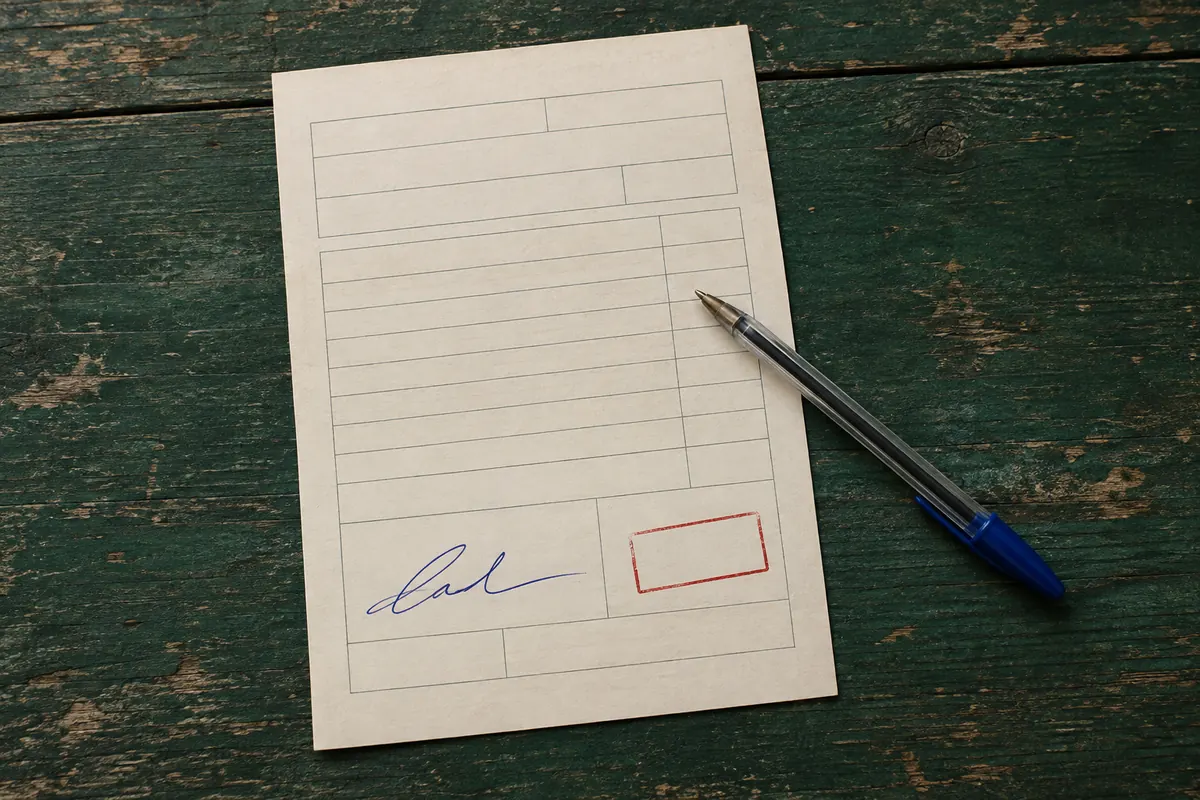
What the POD usually is
There is no single POD form. What comes back from a carrier is usually one of these:
- The signed bill of lading (BOL). The shipping document that travelled with the freight, signed by the receiver at delivery. On many loads this is the POD.
- A delivery receipt. A separate receiver's form, sometimes the consignee's own, signed and often stamped at the dock.
- A driver app capture. A photo or scan of either of the above, sometimes with an electronic signature, sent from a carrier's or tracking company's app.
The "signed BOL" and the "proof of delivery document" are close to the same thing for billing purposes: a page that shows this freight reached this receiver, who signed for it, on this date, in this condition. What your shipper accepts as proof is set by your agreement with them, so if a customer asks for something specific, such as an original, a stamp, or a printed name, follow that.
What a usable POD shows
For a billing desk, a POD is usable when it answers five questions.
- Is this our load? At least one of your references is on it: your load number, the shipper's PO number, or the BOL number. Carriers often write their own trip number instead, so look for any of yours.
- Did the receiver sign for it? The receiver's signature area holds a handwritten or electronic signature. A printed name with no signature is not a signature. A blank box is the most common problem.
- When was it delivered? A delivery date that matches the load, give or take a day or two for early or late delivery.
- Did it arrive in good condition? No notes about overage, shortage or damage (OS&D), no "refused", and no "subject to count" or "STC". A clean POD has nothing written next to the signature but a name and a date.
- Can you read all of it? Every page is present, in focus, and not cut off. A phone photo taken at an angle in a dark cab is the usual culprit.
The common problems
| What you see | What it means | What to do |
|---|---|---|
| Your rate confirmation, or the carrier's invoice | The carrier sent the wrong document | Ask again for the signed delivery receipt or BOL |
| No signature, or an empty signature box | The driver did not get it signed, or photographed the wrong copy | Ask for the signed copy; if none exists, talk to the shipper before billing |
| "Short 2 cs", "damaged", "refused", "STC" | The receiver noted an exception | Do not bill as normal; review with operations and the shipper |
| A different load number and no matching PO or BOL | A POD from another trip | Ask again for the right load |
| Blurry, dark or half the page missing | Unreadable photo | Ask for a clearer photo or a scan, every page |
| Only page one of a multi-page BOL | Missing pages | Ask for the remaining pages |
A note about OS&D deserves extra care. The standard bill of lading has a preprinted line about liability for loss or damage, so the word "damage" appears on almost every BOL. What matters is a handwritten or stamped note from the receiver, not the printed terms.
A checklist for every POD
Run this on each file before it goes to billing:
- It is a signed delivery receipt or BOL, not another document
- Our load, PO or BOL number is on it
- The receiver signature area is signed
- The delivery date matches the load
- No overage, shortage, damage, refusal or "subject to count" notes
- Every page is present and readable
- The file is saved to the load, named so billing can find it
A POD that passes every item is ready to bill. One that fails any item goes to a person, with the reason written down, so the next step (ask again, call the shipper, or bill with a note) is a decision rather than an accident.
Keeping the evidence
Keep the POD with the load after you bill. Claims, short pays and audits can come months later, and the POD is the document everyone will ask for. A simple rule is to keep PODs for at least as long as your shipper agreements or your accountant say you need them; if no one has said, ask.
How POD Back checks it
POD Back reads each POD a carrier uploads against the load it was requested for. It marks the load ready to bill only when the document is a POD or BOL, one of the load's numbers is on it, the receiver signature area is signed, the delivery date is within three days of the load's, and there are no OS&D notes and no unreadable pages. Anything else goes to your review list with each failed check named, next to the image, so you can approve it, ask the carrier again with a note, or mark it received elsewhere. It never approves an OS&D note on its own.
For how to get the POD back in the first place, see the POD collection routine.
Get every signed POD back from your carriers, and bill sooner
Upload your rate confirmations or a delivered-loads CSV. After delivery POD Back emails the carrier's dispatch for the signed POD, follows up until it arrives, checks it, and sends billing a ready-to-invoice list.
$99/ month
Get startedCancel any time.