 CAM Rec
Guide
Pro rata share calculation for commercial leases, with examples
How to do a pro rata share calculation for a commercial tenant's CAM, taxes and insurance: square feet, stated denominators, fixed percents and partial years.
A tenant's pro rata share is its rentable square feet divided by the denominator its lease names, usually the property's total rentable or leasable square feet. Multiply that percentage by each expense pool to get the tenant's portion of the pool.
That is the whole formula. What makes it hard in practice is which number goes on the bottom, which differs lease by lease, and what happens when a tenant was not there all year. This guide works through each case with figures you can check.
How do you calculate a pro rata share?
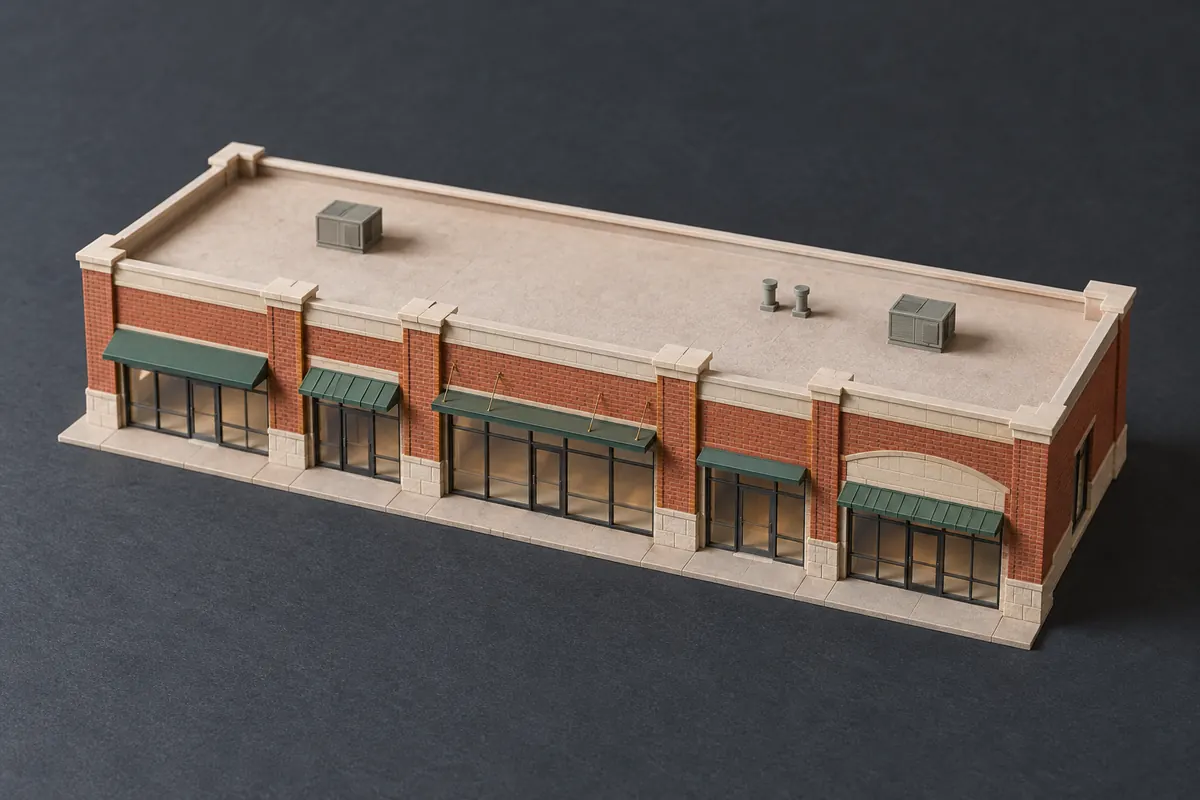
Divide the tenant's square feet by the denominator, then multiply by the pool. For a 2,400 square foot tenant in a 30,000 square foot center:
- Share: 2,400 / 30,000 = 8.0%
- Common area costs of $90,000: 8.0% x $90,000 = $7,200
- Taxes of $60,000: 8.0% x $60,000 = $4,800
Apply the same share to every pool the tenant pays, unless the lease gives a different share for a particular pool. Some leases do, for example a separate share for the building's own taxes in a multi-building center.
Which denominator does the lease use?
The lease names it, and it is often not the building's actual area. The common choices:
- Total rentable or leasable area of the property. This is the most common, and it means the landlord carries the share of vacant space.
- A stated number of square feet written into the lease. It stays fixed even if the building is later remeasured or expanded.
- A fixed percentage written into the lease, with no calculation at all.
- Leased or occupied area, which spreads costs only over space that is let. This shifts the cost of vacancy onto the tenants, and leases that use it often limit it.
- Area excluding certain tenants, such as an anchor that pays its own costs, which raises everyone else's share.
Use exactly the measure your lease states. Where a lease is unclear, that is a question for the lease's author or your attorney, not a choice to make in the spreadsheet.
How do you prorate a share for a partial year?
Multiply the full-year amount by the days the lease was in effect divided by the days in the year. A tenant whose lease started on July 1 was in place 184 of 365 days:
- Full-year share of the pools: $12,000
- Prorated: $12,000 x 184 / 365 = $6,049.32
Prorate by days, not months, unless your lease says otherwise; months differ in length and the difference adds up across tenants. And compare the result with the estimates the tenant was actually billed for those months, not twelve months of estimates.
How do vacancy and gross-up affect the share?
Vacancy changes the share only if the denominator is occupied area; with total area, the share stays fixed and the landlord absorbs the vacant space's portion. A gross-up clause is the other side of this: it lets the landlord raise variable costs, such as janitorial or utilities, to what they would have been at a stated occupancy before the share is applied.
For example, $40,000 of variable costs at 75% occupancy, grossed up to 95%, becomes $40,000 x 95 / 75 = $50,666.67. The tenant's 8.0% share of that is $4,053.33. Gross-up only raises costs; it never lowers them when occupancy is above the stated level.
How do you check the shares add up?
Add every tenant's share and the vacant space's share; together they should equal 100% when the denominator is total area. If they come to more than 100%, two leases count the same space or a denominator is wrong. If they come to less, a tenant is missing from the rent roll or a suite is unaccounted for.
This check takes a minute and catches the error that otherwise reaches every tenant's statement. A fixed-percentage lease or a stated denominator can make the total drift from 100% legitimately; note why when it does.
How do I calculate pro rata share in Excel?
Put each tenant's square feet in one column and the denominator in another, then divide: =B2/C2, formatted as a percentage. Multiply by each pool in the next columns, and add a days column for partial years: =D2*E2/365.
Keep the denominator in its own column per tenant rather than one shared cell, because leases at the same property can name different ones. The CAM reconciliation template lists the full set of columns, and CAM reconciliation spreadsheet vs CAM Rec covers when a workbook stops being enough.
Where the share fits in the reconciliation
The share is the first calculation in every tenant's yearly reconciliation, after the pools are totaled and exclusions removed. Caps, administrative fees and the base year all apply to the tenant's share, so an error here carries into every later line. The CAM reconciliation guide shows where it sits among the other steps.
CAM Rec calculates the share per lease from square feet over the property's area, a stated denominator, or a fixed percent, and prorates partial years by days from the lease's start and end dates. It does not yet handle shares computed on occupied area; for those leases you can enter the share as a fixed percent. The sample runs on a fictional six-tenant strip center, including a tenant with a fixed 20% share and one that moved in on April 1, with no sign-up.
FAQ
How do you calculate pro rata?
Divide the part by the whole, then multiply by the amount being shared. For a commercial tenant, that is its square feet divided by the lease's denominator, times each expense pool.
What does a pro rata share mean?
It is the tenant's proportional part of the property's shared costs, set by its size relative to the space the lease measures against. A tenant with 5% of the area pays 5% of each pool it is responsible for.
How do I calculate pro rata share in Excel?
Divide the tenant's square feet by the denominator in one column (=B2/C2), multiply by each pool in the next, and add a days-in-place column for partial years. Keep each tenant's denominator on its own row.
This is general information, not legal or accounting advice. Your lease governs every term.
Your CAM reconciliation letters, with the math shown, from your GL export
Upload the year's GL and your rent roll, enter each lease's CAM terms once, and get every tenant's true-up and a letter with backup. No CAM workbook to rebuild each year.
$79/ month
Get startedTry the sample first, no sign-up.