 Point Ledger
Guide
Attendance point system: how to set one up, with an example
How an attendance point system works for hourly staff: point values, a rolling window, discipline steps and a worked example you can run on your own data.
An attendance point system gives each late arrival, early departure or absence a number of points, adds them up over a rolling window, and ties set point totals to discipline steps. Because old points drop off, an employee's total goes down on its own when they stop missing work.
Below is how to set one up, with a worked example you can check by hand.
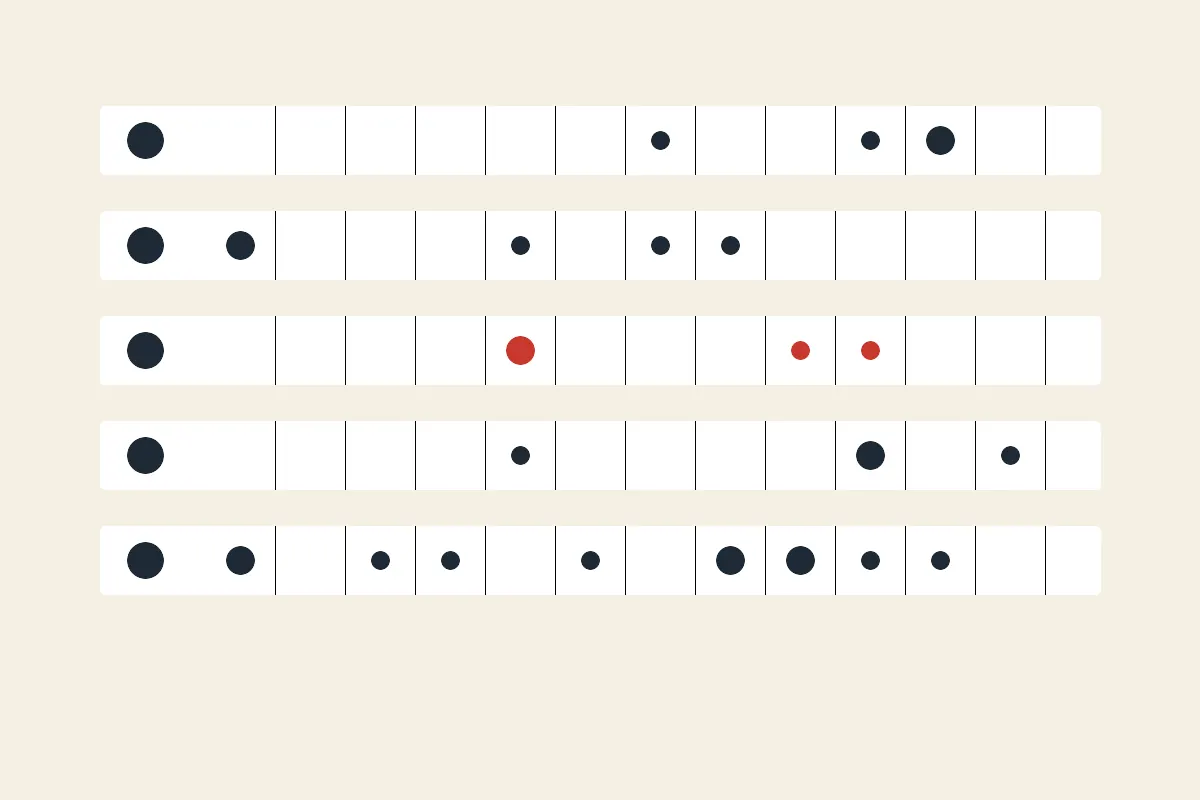
What are the parts of an attendance point system?
Every system has the same four decisions, and a policy is just those four written down.
- Occurrence types and their points. Common ones are tardy, left early, absence and no call, no show.
- A rolling window. How long a point counts before it drops off: 12 months is common, 6 months is shorter.
- Steps. The point totals at which a verbal warning, written warning, final written warning and termination review apply.
- Exceptions. Which absences score nothing, such as approved leave or leave protected by law.
What point values do employers use?
There is no standard. A scheme often seen in plants and warehouses looks like this:
| Occurrence | Points |
|---|---|
| Tardy | 0.5 |
| Left early | 0.5 |
| Absence | 1 |
| No call, no show | 3 |
Steps for the same scheme, with a 12-month window:
| Points | Step |
|---|---|
| 4 | Verbal warning |
| 6 | Written warning |
| 8 | Final written warning |
| 10 | Termination review |
These numbers are an example, not a recommendation. Your own policy, contract and state rules decide yours.
How do I work out one employee's balance?
Add up the points of every occurrence still inside the window, then read off the highest step at or below the total. Here is a fictional employee, Sam, as of 2026-10-15, using the scheme above:
| Date | Occurrence | Points | Rolls off |
|---|---|---|---|
| 2025-11-03 | No call, no show | 3 | 2026-11-03 |
| 2026-01-12 | Absence | 1 | 2027-01-12 |
| 2026-02-20 | Absence | 1 | 2027-02-20 |
| 2026-04-06 | Tardy | 0.5 | 2027-04-06 |
| 2026-05-18 | Absence | 1 | 2027-05-18 |
| 2026-08-10 | Left early | 0.5 | 2027-08-10 |
| 2026-10-02 | Absence | 1 | 2027-10-02 |
The total is 3 + 1 + 1 + 0.5 + 1 + 0.5 + 1 = 8 points, which is the final written warning step. On 2026-11-03 the no call, no show rolls off and the balance falls to 5, which is back to the verbal warning step. Nobody has to remember to change anything, provided someone recomputes the balance that day.
What goes wrong with a points system?
The same three things, over and over:
- Points that should have rolled off never do. When the roll-off is a formula in a spreadsheet, a missed row or a copied file leaves old points counting.
- Different sites, different totals. Each supervisor keeps a file, and the files drift.
- The employee does not know where they stand. The total is found out at the meeting, which makes the warning feel like a surprise.
All three come from the balance being calculated by hand. See attendance point tracker for the columns and the formula if you stay on a spreadsheet.
How should protected leave be handled?
Record it as an occurrence that scores zero, and keep it listed separately so you can see it. Which absences are protected depends on federal law, your state and your policy, and it is HR's or an attorney's call, not a calculator's. Store only that the leave was protected, not the medical reason.
How do hourly employers choose the numbers?
Start from how much missed time you can absorb, then work backwards. If a typical employee misses a few shifts a year without trouble, the first step should sit well above that: in the example, a verbal warning at 4 points is about four unexcused absences inside a year. Make a no call, no show worth several times a plain absence, because it leaves a line short with no warning.
Then test the scheme against last year's real occurrences. If it would have put a large share of the workforce at a step, the thresholds are too tight for how the plant actually runs, and a policy that most people break is not enforced evenly. Adjust the numbers before you publish them, not after the first round of warnings.
Can I run this on my own data?
Yes. The free run below takes your point values, window and steps, and an occurrence log as CSV or Excel (one row per occurrence with an employee, a date and a type). For each employee it shows the balance, the date every point rolls off, the step reached and how many points remain to the next step. It prints a notice for anyone at a step. Nothing is stored.
To keep balances current every day, Point Ledger recomputes them nightly from the occurrences you or your supervisors log. See attendance point system software for what to compare, and the policy guide for the decisions to settle before you start.
Frequently asked questions
How many points before termination?
It is whatever your policy says. In the example above, 10 points triggers a termination review, and a review is not an automatic termination. Employment law and any contract still apply.
Is a 12-month window or a calendar year better?
A rolling window treats every employee alike: a point from January leaves in January of next year. A calendar-year reset wipes everyone's slate on the same day, which makes late December attendance matter less. Pick one and write it into the policy.
Do points roll off on the day or the day after?
That is a policy choice, and the policy should say it. Be consistent, because the roll-off date is what an employee will ask about.
Every employee's attendance points, rolled off on the right day
Log each occurrence once. Point Ledger keeps each employee's rolling balance, the date each point rolls off and the next discipline step current, and drafts the warning notice when a threshold is crossed.
$79/ month
Get startedCancel any time.