 Closeout Chase
Guide
O&M manuals in construction: what goes in and who sends them
What O&M manuals in construction should contain, which trades owe them, how to collect large manuals from subs, and what to check before turnover.
Operation and maintenance manuals are the part of the turnover package the owner will actually open after you leave. When a pump fails at 2 a.m. or a rooftop unit throws a fault code, the facilities team reaches for the O&M manual, not the warranty. They are also among the slowest closeout items to collect: a sub has to gather product data from several manufacturers, add its own as-installed details, and send a file that is often too large for email.
This guide covers what a complete O&M manual contains, which trades owe one, and how to collect and check them without it becoming the last open item on the job.
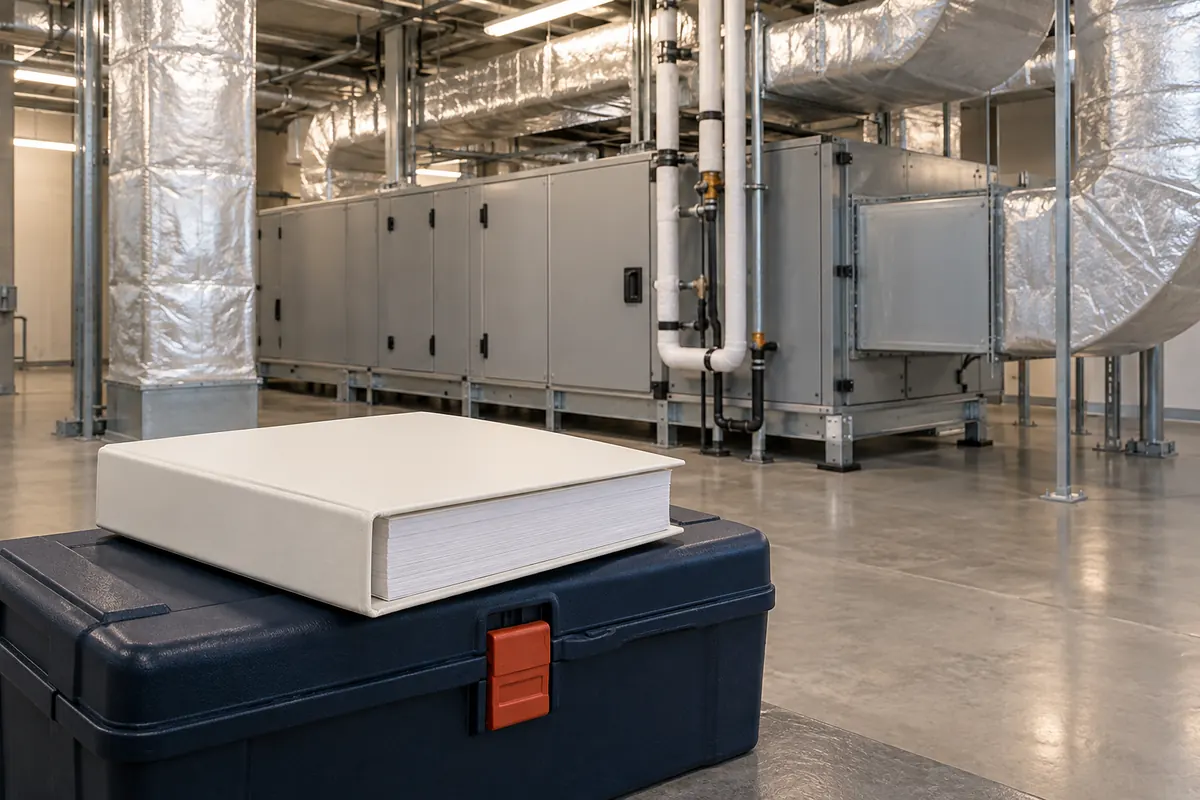
What the spec asks for
On projects that follow the CSI MasterFormat layout, the general requirements for operation and maintenance data usually sit in Division 01, in the closeout submittals section (often 01 78 23). That section sets the format (bound binders, PDFs, or both), how the manual is organized, how many copies, and when drafts are due. The technical sections then say which equipment and systems need O&M data.
Read both before you ask anyone for anything. Owners differ: some want one searchable, bookmarked PDF per system, some want printed binders with tabbed dividers, and some want both plus a copy loaded into their maintenance software.
What a complete O&M manual contains
A good manual answers three questions for the person maintaining the building: what is installed, how do I keep it running, and who do I call. Typical contents:
- Cover and index. Project name, the system or spec section it covers, the installing contractor, and a table of contents.
- Contact list. The installer, the manufacturer's local representative and the service provider for each piece of equipment, with phone numbers and emails.
- Equipment list. Every unit with its tag as shown on the drawings, location, manufacturer, model and serial number.
- Product data. The manufacturer's data sheets for what was actually installed, with the options that apply marked and the ones that do not crossed out.
- Operating instructions. Start-up, shut-down, normal operation, seasonal changeover and emergency procedures.
- Maintenance instructions. Routine maintenance tasks and their intervals, lubrication, filter changes, cleaning and inspection.
- Parts lists. Recommended spare parts and where to buy them.
- Wiring and control diagrams. As installed, including control sequences and setpoints where the spec calls for them.
- Test and start-up reports. Where the spec places them in the manual rather than as separate submittals.
- Warranties. A copy, or a reference to where they are filed.
The common failure is a manual that is just a pile of catalog cuts: every model in a product line, no serial numbers, no installer contact. That will come back from the owner's reviewer.
Which trades owe them
Almost every trade that installs equipment or a system owes some O&M data. The heaviest are:
| Trade | Typical O&M content |
|---|---|
| HVAC / mechanical | Air handlers, rooftop units, VAV boxes, pumps, fans, controls and the building automation sequences |
| Plumbing | Water heaters, fixtures, pumps, backflow preventers |
| Electrical | Switchgear, panels, generators, lighting controls, fixtures |
| Fire protection | Sprinkler system components, valves, fire pump |
| Fire alarm and low voltage | Panel, devices, programming, access control |
| Doors and hardware | Hardware schedule, closer and lock maintenance, keying |
| Roofing | Maintenance and inspection requirements that keep the warranty valid |
| Flooring and finishes | Cleaning and care instructions |
Smaller trades often owe a few pages of care instructions. Those are easy to forget because they are small, so put them on each sub's list from the start.
Collecting large files
O&M manuals for mechanical and electrical systems often run to hundreds of pages, and a scanned manual can be very large. That breaks the usual way documents arrive:
- Email attachments bounce. Many mail systems refuse attachments over about 20 to 25 MB.
- Shared links expire. A file-sharing link in an email may be dead by the time someone opens it.
- Files arrive in pieces. A sub splits the manual into parts and sends them on different days.
Give subs one place to upload large files against the right item, and allow a manual to arrive in several parts. Then record each part as received under the same item, so you know the manual is complete when every part is in.
Checking a manual before it goes to the owner
You are not expected to verify the engineering, but a quick check catches most rejections:
- Right project. The cover names this project, not the sub's last one.
- Right equipment. Model numbers match the approved submittals and the equipment schedule. Serial numbers are filled in.
- Complete. Every unit on the equipment list has data, operating and maintenance instructions.
- Contacts current. The installer and service contacts are real and reachable.
- Readable. Scans are legible, PDFs are searchable where the spec requires it, and bookmarks match the index.
If something is missing, ask the sub for that specific piece, with a note saying what is wrong. "Please resend the O&M manual" gets the same file back.
When to ask for them
Ask for O&M manuals early, at the same time as the rest of the sub's closeout list, and ideally weeks before substantial completion. Many specs require draft manuals before owner training, because the training is built around them. If the training date is fixed, the manual has to arrive before it.
For the other items that go with the manual, see our guide to construction closeout documents.
Where Closeout Chase fits
Closeout Chase puts the O&M manual on each trade's closeout checklist from the start, and each sub uploads it through its own link, with no login. Files up to 95 MB are accepted, and a larger manual can be uploaded in parts to the same item. Reminders list only the items still missing, weekly and then every 3 days after substantial completion, with you copied. When you ask again with a note, the sub gets your note and the item reopens.
It files and indexes manuals; it does not check their content. Files over 10 MB are filed as received and marked "not read", and you review the manual before it goes to the owner.
Get every sub's closeout documents in, so retainage gets released
Closeout Chase sends each subcontractor one link listing the warranties, O&M manuals and as-builts it still owes, reminds them until every item is in or tells you which ones to call, and builds the turnover package.
$99/ month
Get startedCancel any time.