 SCAR Chase
Guide
Supplier corrective action request form: what to write
How to fill in a supplier corrective action request form: the nonconformance wording, the response you ask for, and a fill-in form you can download.
Open the free supplier corrective action request form tool full screen
A supplier corrective action request form gets answered when it states the nonconformance as a measurement, names the response you want, and gives each part of that response its own due date. Fill in the form above with a real example and download it as a PDF. The rest of this guide covers what to write in each box and the wording that makes suppliers push back less.
How do you describe the nonconformance on a SCAR form?
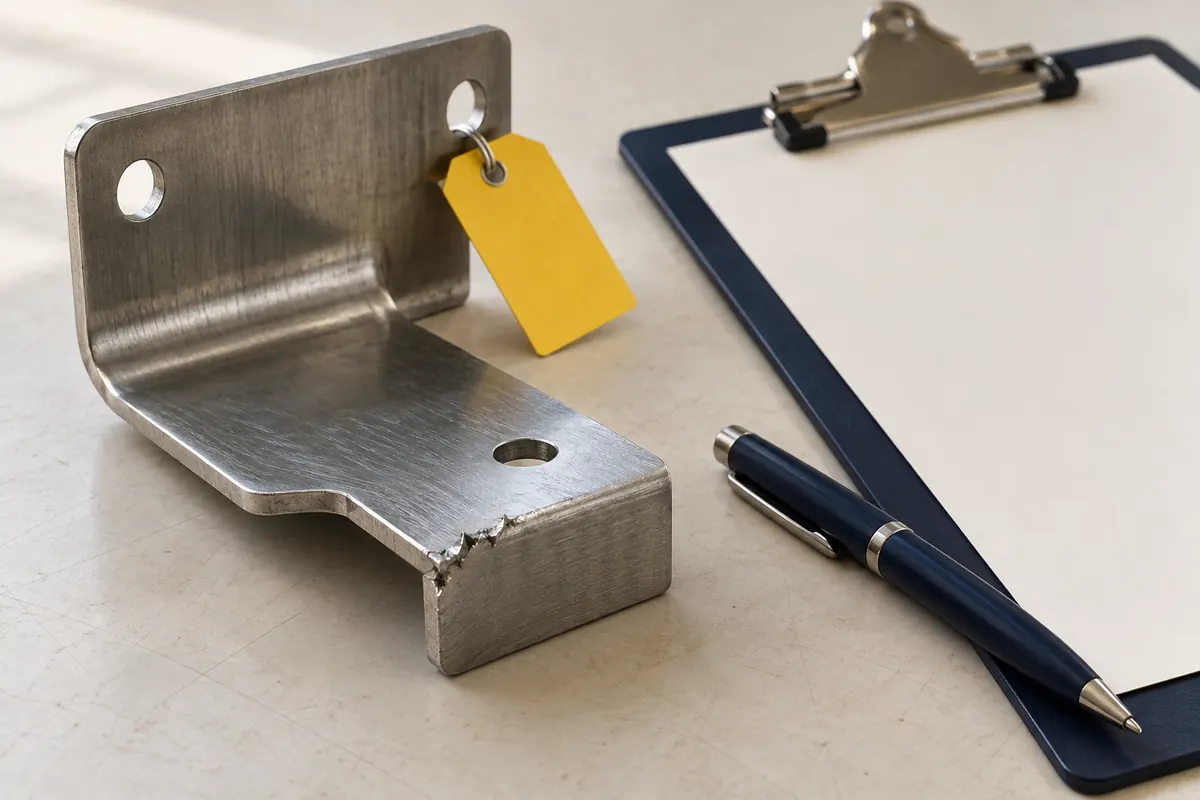
Say what you measured and what the print requires, in that order. "Bore is 25.14 to 25.19 mm; print requires 25.00 +0.05 / -0.00 mm" cannot be argued with. "Bore out of tolerance" starts an email thread.
Include, in the defect description:
- the characteristic and the drawing requirement;
- the measured values, and how many parts you measured;
- where you found it (incoming inspection, line, customer return);
- whether anything already shipped or was used.
Point to the evidence: the inspection report number and the photos you took, so the supplier can match them to its own records and ask for copies.
What should you ask the supplier to send back?
Ask for named sections, each with its own date, rather than "a corrective action report". The four sections most buyers care about are:
- D3, containment. What the supplier did about suspect parts at its site, in transit and in your stock. This is the one that cannot wait.
- D4, root cause. Why the defect was made and why it was not caught.
- D5/D6, corrective action. What was changed and the evidence that it worked.
- D7, prevent recurrence. What changed in procedures, tooling or training so it does not come back on this part or a similar one.
D8, closing the request, is yours. You decide whether the answers are enough. If you want the supplier's answer in a particular layout, say so on the form, and see our 8D report template guide for what each section should contain.
How long should a supplier have to respond?
Count from the issue date and set the time by priority. The defaults SCAR Chase starts from for a normal-priority SCAR are 1 day for containment, 10 days for root cause, 20 days for corrective action and 30 days for prevent recurrence. High priority runs shorter (1, 5, 10 and 20 days) and low priority longer (2, 15, 30 and 45 days).
Your customer's terms may override these. Graco's published supplier terms, for example, ask for containment within 24 hours and corrective action implementation in 10, 20 or 30 calendar days by priority. Where a contract or a customer requirement sets the dates, use those and write them on the form.
How do you word a SCAR so the supplier does not dispute it?
Keep it factual, give them a way to disagree, and keep the tone the same on every request. Suppliers dispute vague requests, not specific ones. If they believe the part met the print, they need a clear route to say so with a reason.
In SCAR Chase the supplier's page has a "We dispute this SCAR" button with a reason box. That pauses the chase and flags the request to you, so you read the objection instead of sending a fourth reminder about something they have already contested.
What does the form look like filled in?
SCAR number:      SCAR-2026-044
Supplier:         Delta Stamping Co.
Part:             Cover plate 7120-05, rev B
PO / lot:         PO 90417, lot 2210-A
Quantity:         12 of 150 inspected nonconforming
Priority:         High
Defect:           Burr height 0.4 to 0.6 mm on the long edge.
                  Print: edges broken, 0.1 mm max.
Containment due:  next day
Root cause due:   5 days
Corrective action due: 10 days
Prevent recurrence due: 20 days
These values are an invented example of the layout. The form above works the due dates out from your issue date and priority.
What happens after the form is sent?
The request is only the start. The supplier has to see it, answer each section and send it back, and you have to know when they have not. If you do this from a spreadsheet, build the log from our corrective action tracker guide so each section's date is its own column.
SCAR Chase emails the supplier the request with each section's date and a link to its no-login page. It reminds the supplier the day before each date, on the date, and every 3 days after that while the section is late. If a section is never answered it is marked stalled, shown in red and listed in your Monday digest, so you know whom to call.
FAQ
Does a supplier need an account to answer a SCAR?
Not with SCAR Chase. Each supplier gets a link that shows only its own open SCARs. It uploads a PDF, Word, Excel or image file, or types an answer.
Who signs off on a SCAR response?
You do. The supplier's answer is a proposal until you accept it. In SCAR Chase an uploaded response is read for the text of each section, and you check that text before the section counts as accepted or send it back with a note.
Can I use the same form for every supplier?
Yes, and you should. One form with the same fields makes your log comparable between suppliers. Change the priority and the dates, not the layout.
Every supplier 8D chased until it's in, and the SCAR log ready for the auditor
SCAR Chase emails each supplier before and after every 8D due date, takes their response on a no-login upload page, and keeps the log and each supplier's history, so you stop chasing by hand.
$149/ month
Get startedCancel any time.